Install GameToMac
Download, move it to Applications, and open it. Pick a game and select Get started.
Bring your favorite Windows games together in one library on your Mac. Your games. Your friends. More games coming soon.
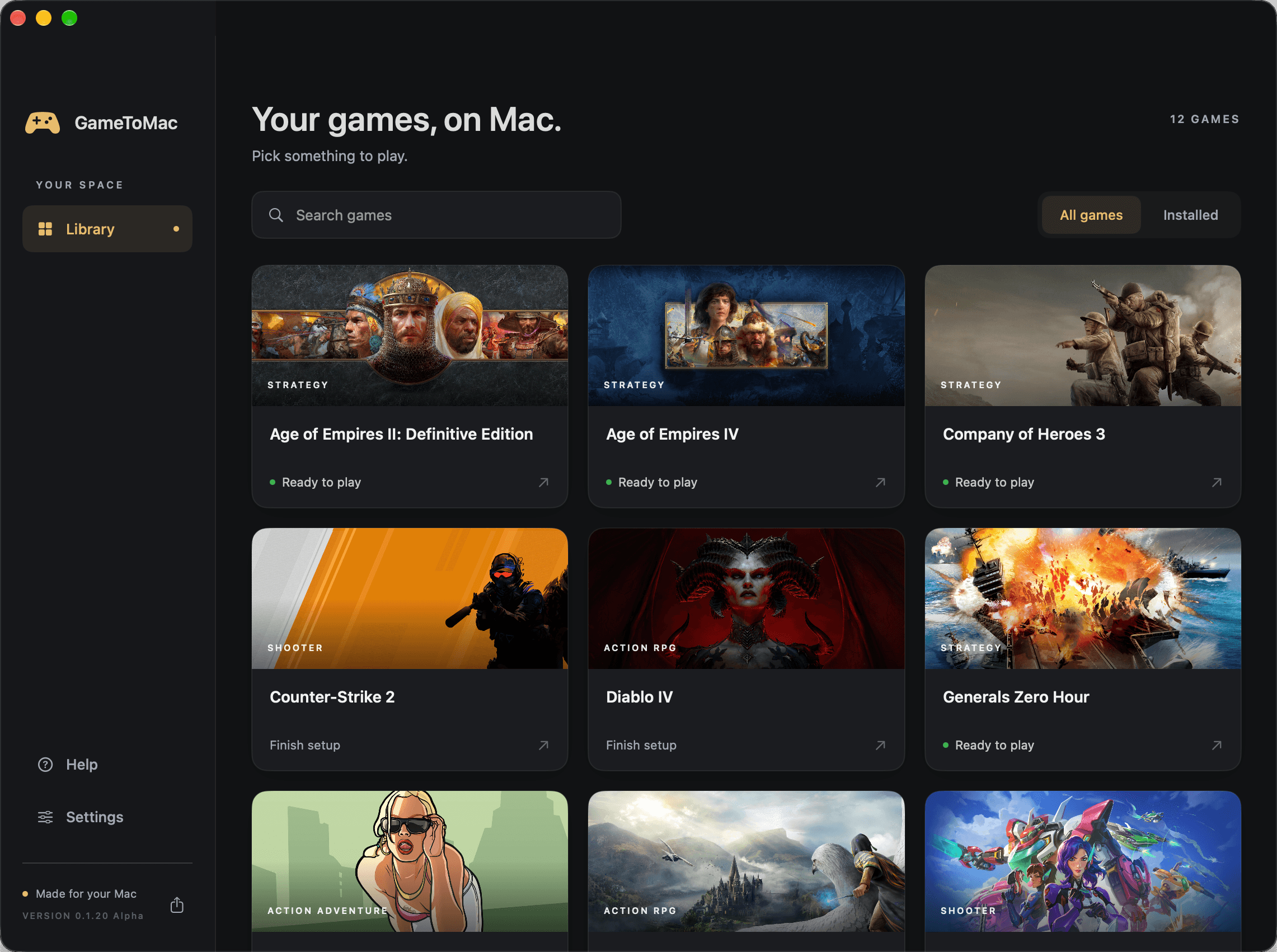
From grand strategy to dark fantasy and your next team battle. Each one tested and tuned before it ships.

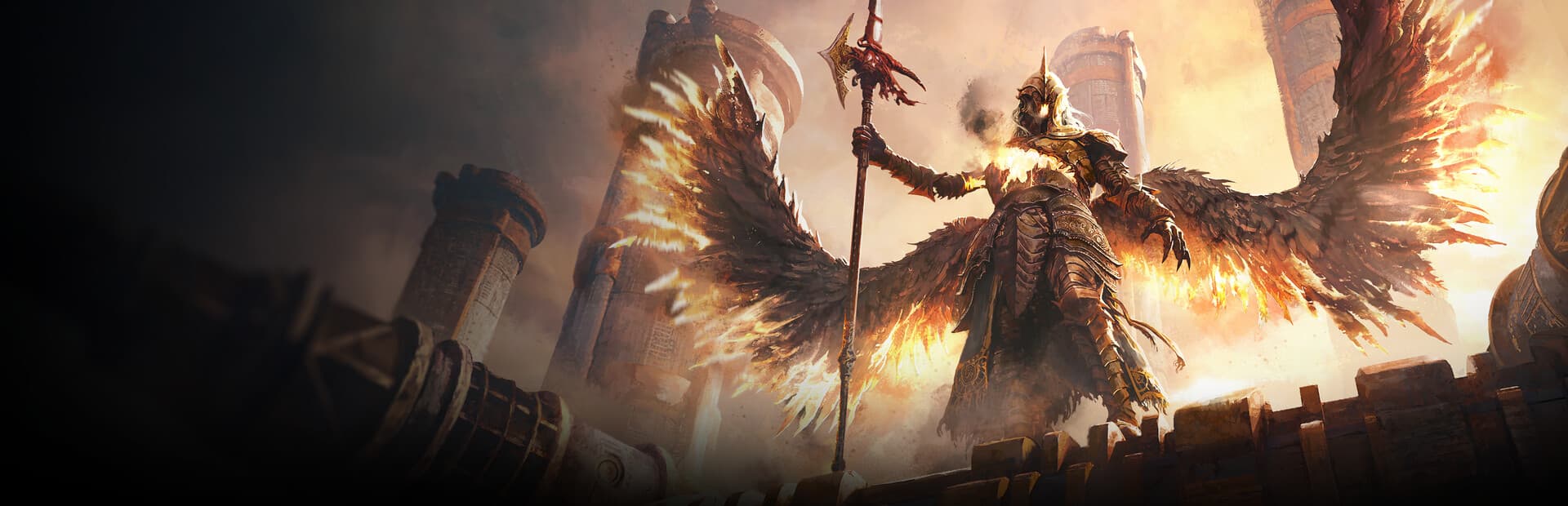
Spread your wings over Atreia. Choose your faction, explore a vast fantasy world, and find your next adventure alongside other players. AION 2, now on your Mac.






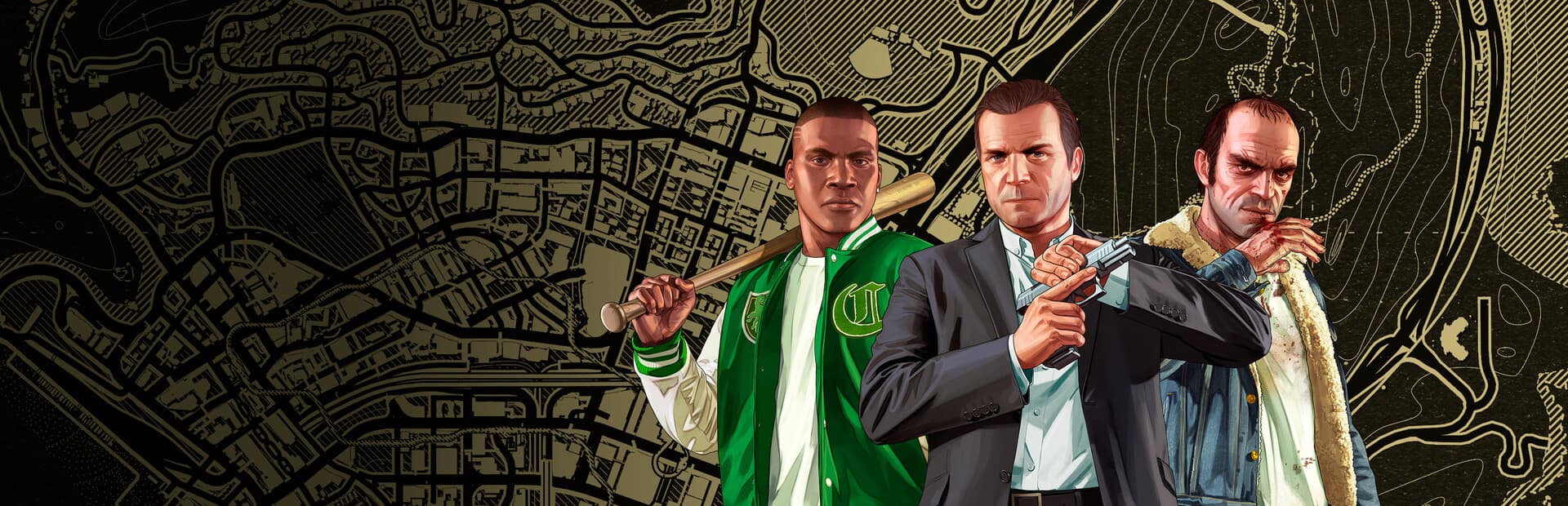

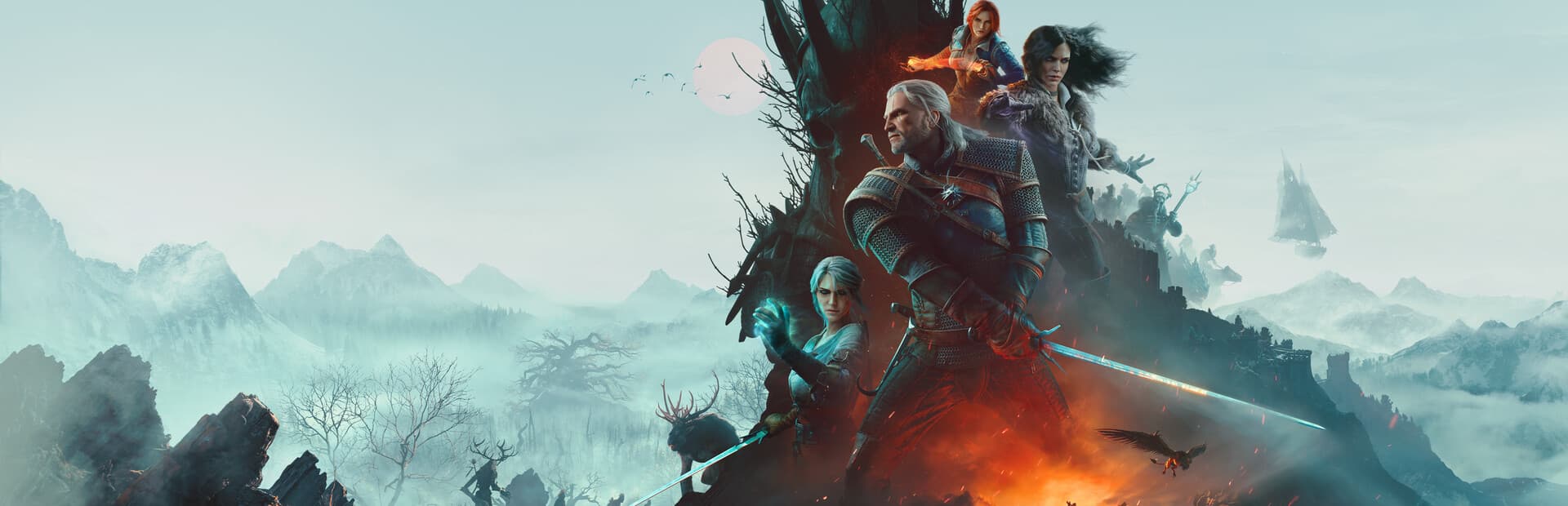
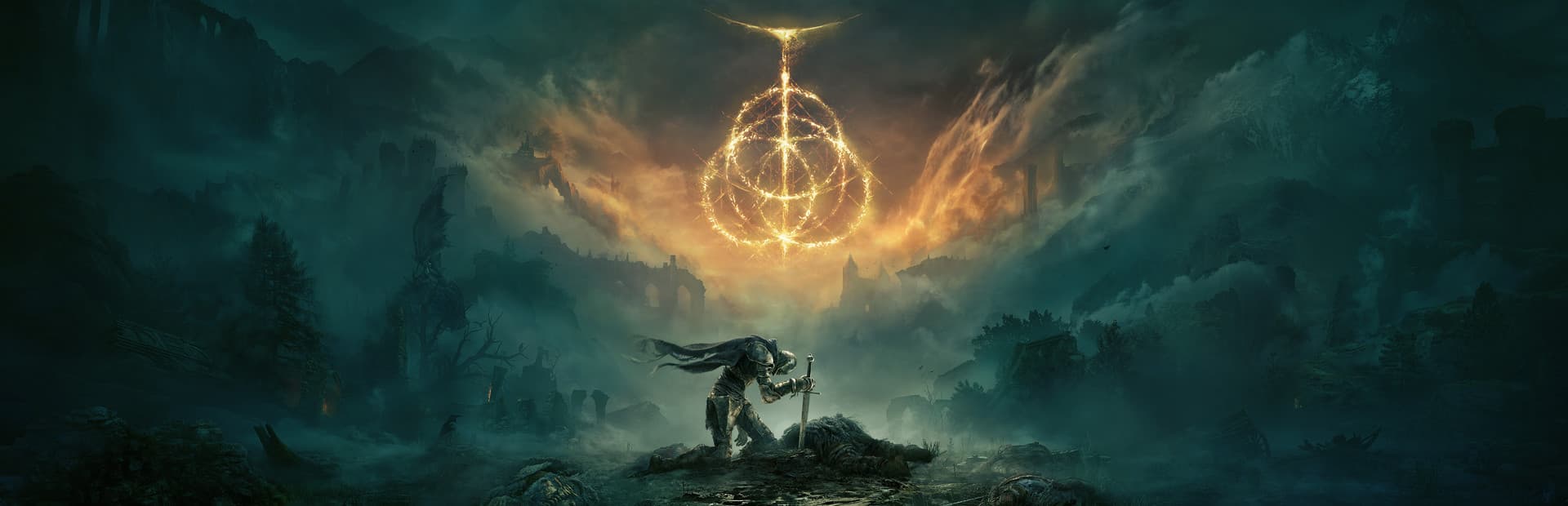



No bottles, no config files, no forum threads. GameToMac handles the setup for each supported game.
Download, move it to Applications, and open it. Pick a game and select Get started.
Steam or Battle.net opens in its own window. Sign in with your usual account and install your game.
When installation finishes, press Play now. Your library keeps every game one click away.
Setup and compatibility fixes are packaged per game, so you spend less time configuring and more time playing.
Use the store account and games you already own. Purchases stay with your store.
Play with a controller in any game that supports one.
Short on space? Keep your games on an external drive. GameToMac’s Storage setup prepares it for you.
Made for M-series Macs running macOS 26 or later.
One plan unlocks every supported game. Your games and store purchases stay separate.
7 days
Starts when you launch your first game.
Monthly and yearly memberships include the same Pro benefits: access to every supported game, priority game requests, and dedicated support. Open GameToMac to see available plans and your regional price.
Download GameToMacFinal pricing, including applicable tax, is confirmed in the app. Games and paid game licenses are not included. Subscriptions renew automatically until canceled.
GameToMac requires an Apple Silicon Mac (M1 or later), macOS 26 or later, and Rosetta. Diablo II: Resurrected, Diablo IV, Path of Exile 2, and Hogwarts Legacy require macOS 26.5 or later. The Last of Us Part I requires macOS 27 or later. Intel Macs are not supported. Performance varies with your Mac, game settings, and the size of your match.
Use your own account for the supported store. Diablo IV supports Steam and Battle.net PC copies. The Last of Us Part I, Marvel’s Spider-Man 2, GTA IV: Complete Edition, GTA V Enhanced, Red Dead Redemption 2, The Witcher 3: Wild Hunt — Remastered, Diablo II: Resurrected, Age of Mythology: Retold, Elden Ring, Age of Empires IV, Age of Empires II: Definitive Edition, Age of Empires III: Definitive Edition, Company of Heroes, Company of Heroes 3, Command & Conquer: Generals Zero Hour, Command & Conquer: Red Alert 2, Diablo IV, Hogwarts Legacy, Skyrim Special Edition, GTA San Andreas – The Definitive Edition, and Heroes of Might and Magic III Complete Edition require a purchased copy. Path of Exile 2 currently requires Early Access on your Steam account. AION 2, Counter-Strike 2, and Overwatch are free to play on Steam; optional upgrades and in-game purchases are separate. AION 2 also requires an NC account. Overwatch, Diablo II: Resurrected, and Diablo IV also require a Battle.net account. GTA IV: Complete Edition, GTA V Enhanced, Red Dead Redemption 2, and GTA San Andreas – The Definitive Edition also require a Rockstar account. GameToMac does not include games or paid licenses.
GameToMac opens Steam in its own window. Sign in there with your existing Steam account.
Yes! GameToMac supports controllers in games that offer controller support. Available controls and button layouts depend on the game.
CrossOver runs a broad range of Windows software, including games and productivity apps. GameToMac focuses on a selected library of games, with setup and compatibility fixes tailored to each one. Choose a supported game, follow the setup, and launch it from your library.
You can try GameToMac free for 7 days, with no credit card required. After your trial, a Pro membership is required to keep launching games through GameToMac. Monthly and yearly plans include access to all supported games, priority game requests, and dedicated support. Games and paid game licenses are purchased separately.
Your 7-day trial starts when you launch your first game, not when you download GameToMac or install a game. It’s one trial per GameToMac account, shared across your Macs. Reinstalling the app doesn’t restart it.
Your trial won’t become a paid subscription automatically. Choose a Pro plan in the app to keep launching games through GameToMac. Games already running are not interrupted, and your installed games and saves stay in place.
Yes. Open the Pro page in GameToMac and choose Manage billing to cancel. Monthly and yearly subscriptions renew automatically until canceled. After cancellation, Pro access continues until the end of your paid period.
Invite a friend with your referral code from the app. They enter it before their first game launch. When they first play, you both receive 14 days of Pro. For an active subscription, applied rewards delay the next payment; after cancellation, they extend access.
Online battles with friends have been tested with the supported builds of Age of Empires IV and Company of Heroes 3, including matches with Windows players. Zero Hour online play uses GeneralsOnline. Red Alert 2 online play uses CnCNet; your Windows friends also need CnCNet and the same game mode. GameToMac guides you through setup. AION 2 uses the global Steam edition and requires an NC account and internet access for online play. Cities: Skylines II is single-player. Elden Ring is offline single-player only; online multiplayer is unavailable. The Last of Us Part I, Marvel’s Spider-Man 2, The Witcher 3, Hogwarts Legacy, Skyrim Special Edition, and GTA San Andreas – The Definitive Edition are single-player adventures. GTA IV: Complete Edition supports single-player; multiplayer is unavailable in this edition. GTA V Enhanced supports Story Mode only; GTA Online is not supported. Red Dead Redemption 2 support covers Story Mode; Red Dead Online has not been validated. Other games use their own multiplayer services. Future game updates may require a corresponding GameToMac update.
AION 2, Cities: Skylines II, Counter-Strike 1.6, The Last of Us Part I, Marvel’s Spider-Man 2, GTA IV: Complete Edition, GTA V Enhanced, Red Dead Redemption 2, The Witcher 3: Wild Hunt — Remastered, Diablo II: Resurrected, Age of Mythology: Retold, Elden Ring, Age of Empires IV, Age of Empires II: Definitive Edition, Age of Empires III: Definitive Edition, Company of Heroes, Company of Heroes 3, Counter-Strike 2, Command & Conquer: Generals Zero Hour, Command & Conquer: Red Alert 2, Overwatch, Diablo IV, Path of Exile 2, Hogwarts Legacy, Skyrim Special Edition, GTA San Andreas – The Definitive Edition, and Heroes of Might and Magic III Complete Edition are supported. More games are planned, and each will be tested before being added. GameToMac is not currently a launcher for every Windows game.
GameToMac checks for new app versions automatically and asks before installing. Updates wait for your game and launcher session to close. Steam or Battle.net handles updates to the games themselves.
Free for 7 days. No credit card required.
Download for Mac